Dialogue: from scene authoring to paper cards
This round connects trigger placement, writing and playback preview in a single workflow. A dialogue area can be drawn in the scene, then written, branched and previewed in the same window. Side-scrolling dialogue uses paper cards, while a reframed world-map close-up keeps the player and speaker visible above the text.
Continued from Emotion Mask · real Blender model · fixed 16:9 overview
01 / Revision
What changed in this revision.
- Text & Dialogue Studio handles NPC conversations and environmental text. Shared tuning, conversation defaults, line overrides and inline markup work together. Preview uses the in-game text presentation.
- The same NPC can choose a conversation based on progress or state. Each playback owns its branches, confirmation and ending, and editor previews skip gameplay events.
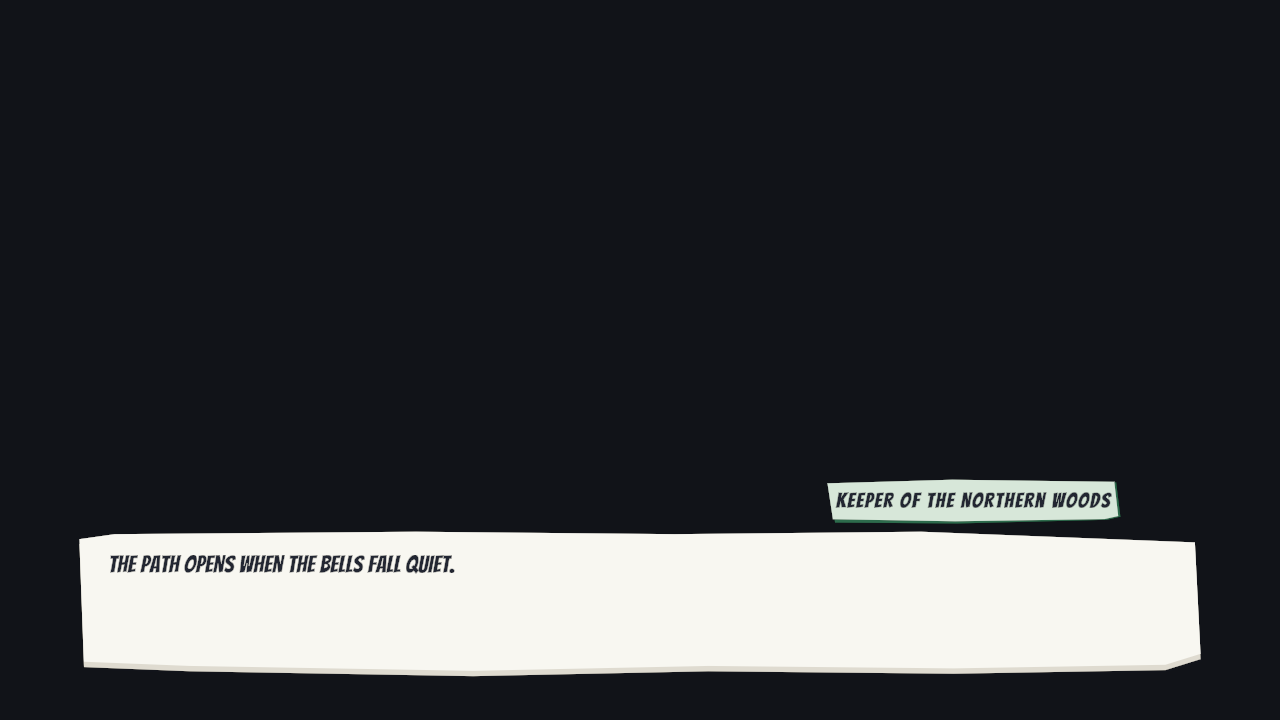
- The paper dialogue box has single-line nameplates that fit the name, per-speaker tints and optional portraits. Choices enter in sequence, and the chosen card lingers briefly after the others fade.
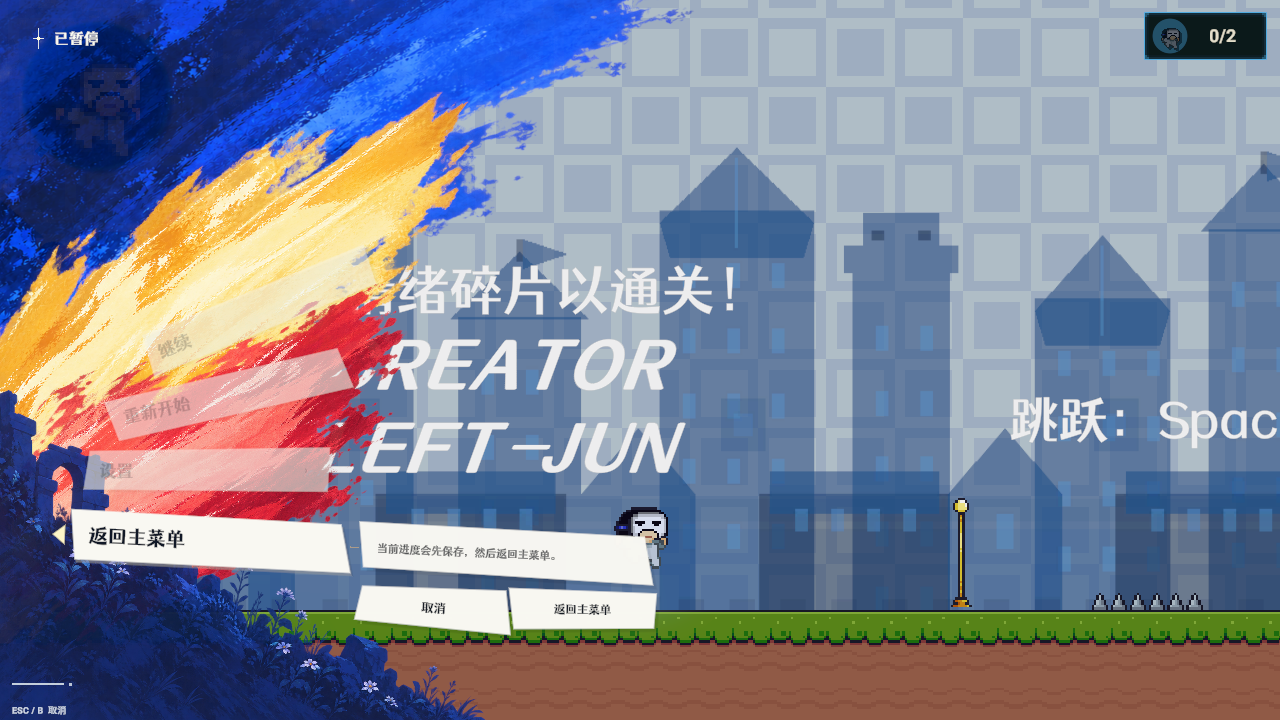
- The pause menu keeps its fan-shaped pull-out motion. A translucent grey-white sheet sits behind the focused card and recedes as the confirmation branch opens.
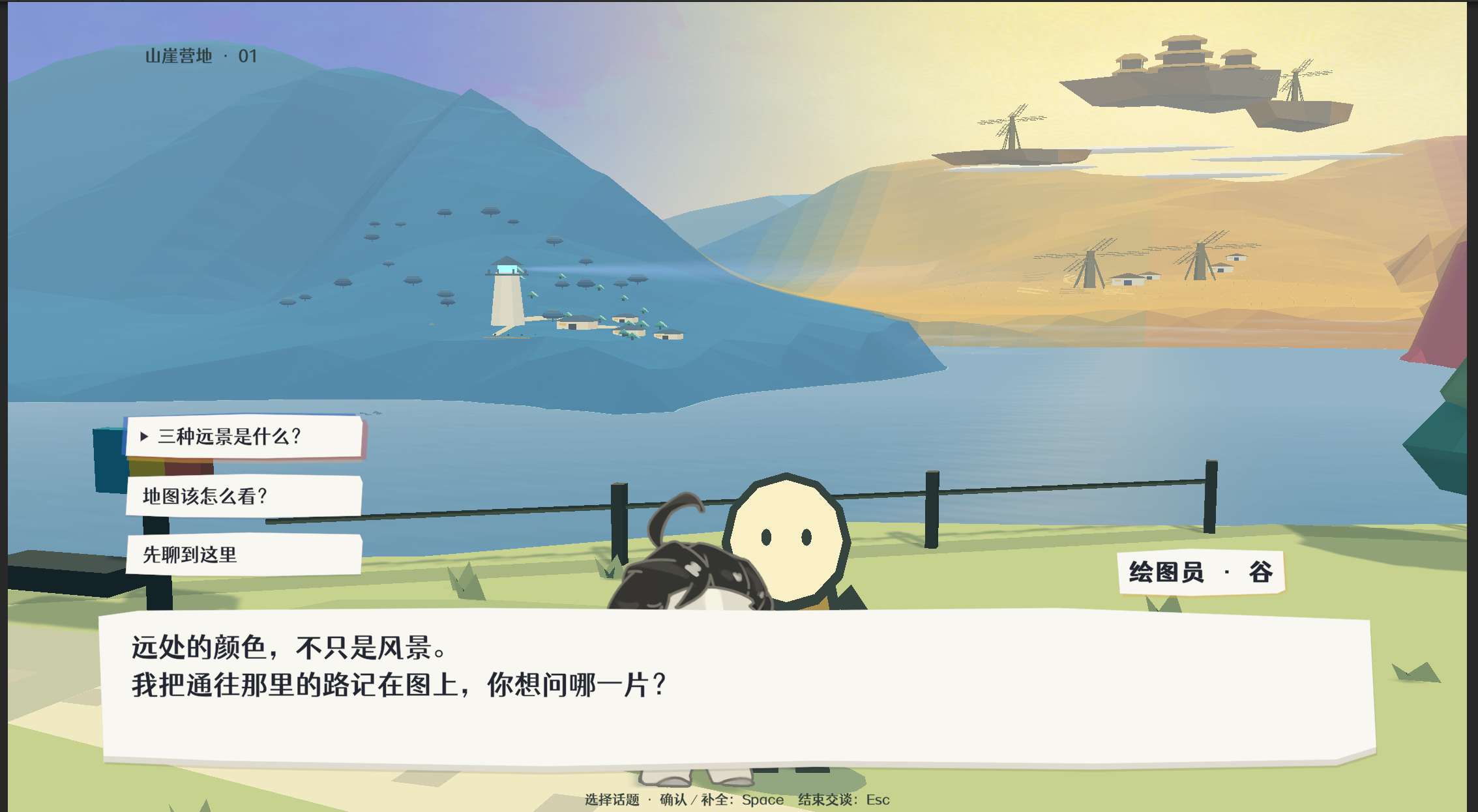
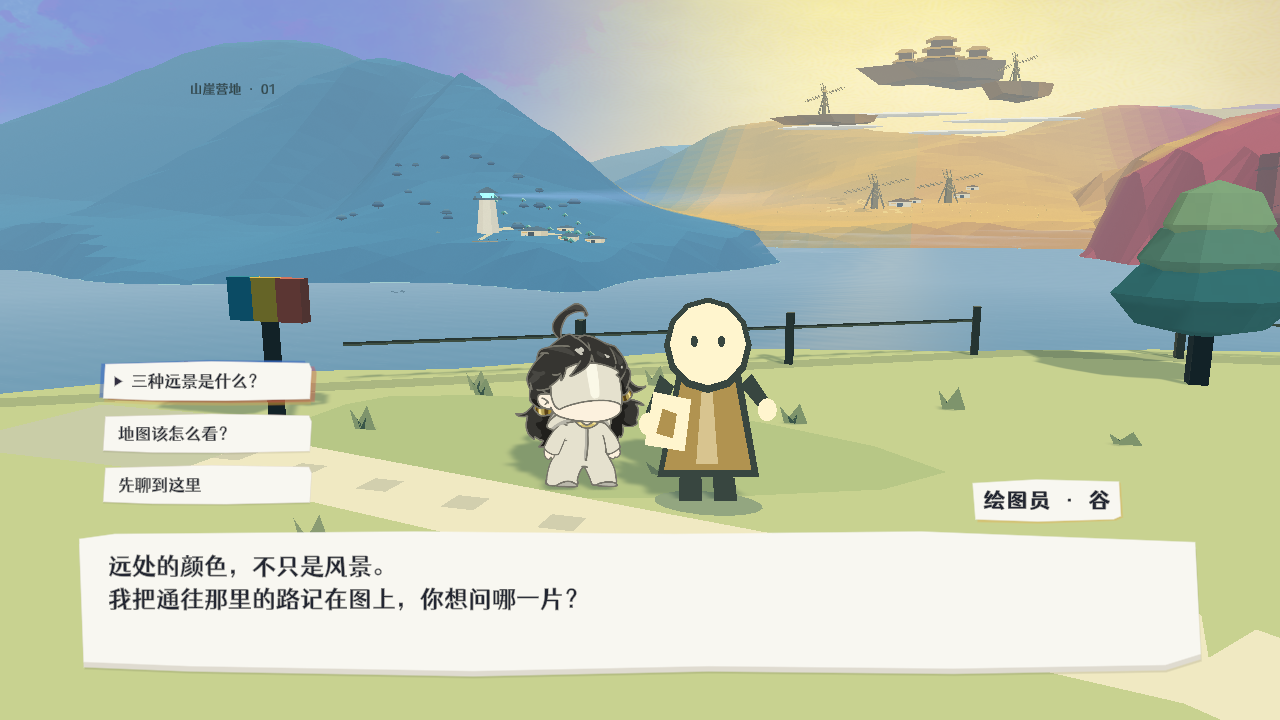
- Lowering the world-map conversation camera and its aim brings both in-world characters fully above the paper box.
02 / Comparison
The same camera, before and after.
The reference and model are identified separately. Every result shown here is rendered from an actual saved model.
03 / Actual model
Look beyond the main camera.
Cloud-free views retain their original proportions. Open an image for a closer look.
04 / Review
Checks and the current review state.
Technical checks passed · Art review pending
Unity regression checks
Verified dialogue branches, camera return, mouse and gamepad selection, and opening and cancelling pause confirmations.
Rendered comparison
Compared the cartographer conversation before and after reframing, and checked a long English name and the pause confirmation branch.