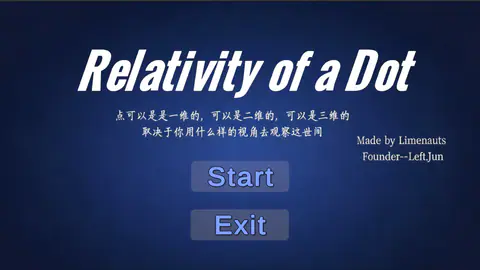
Overview
This is a 2D / 3D switching puzzle prototype. I used it to test whether the same level could produce different solutions under different spatial rules.
The idea came from the keyword "dot." A dot can be a point in one dimension, a mark on a 2D plane, or a projection inside 3D space. I turned that idea into a spatial prototype where the player switches between 2D projection and 3D space to understand the same level through different rules.
The value of the prototype is not content volume. It is the mechanism chain: when the player presses Tab, camera perspective, movement axes, grounded checks, and colliders all change together, so structures that look like walls in 2D can be reread through depth in 3D. In the portfolio, I treat it as a mechanic-validation sample rather than a full commercial level.
Screenshots and Mechanics
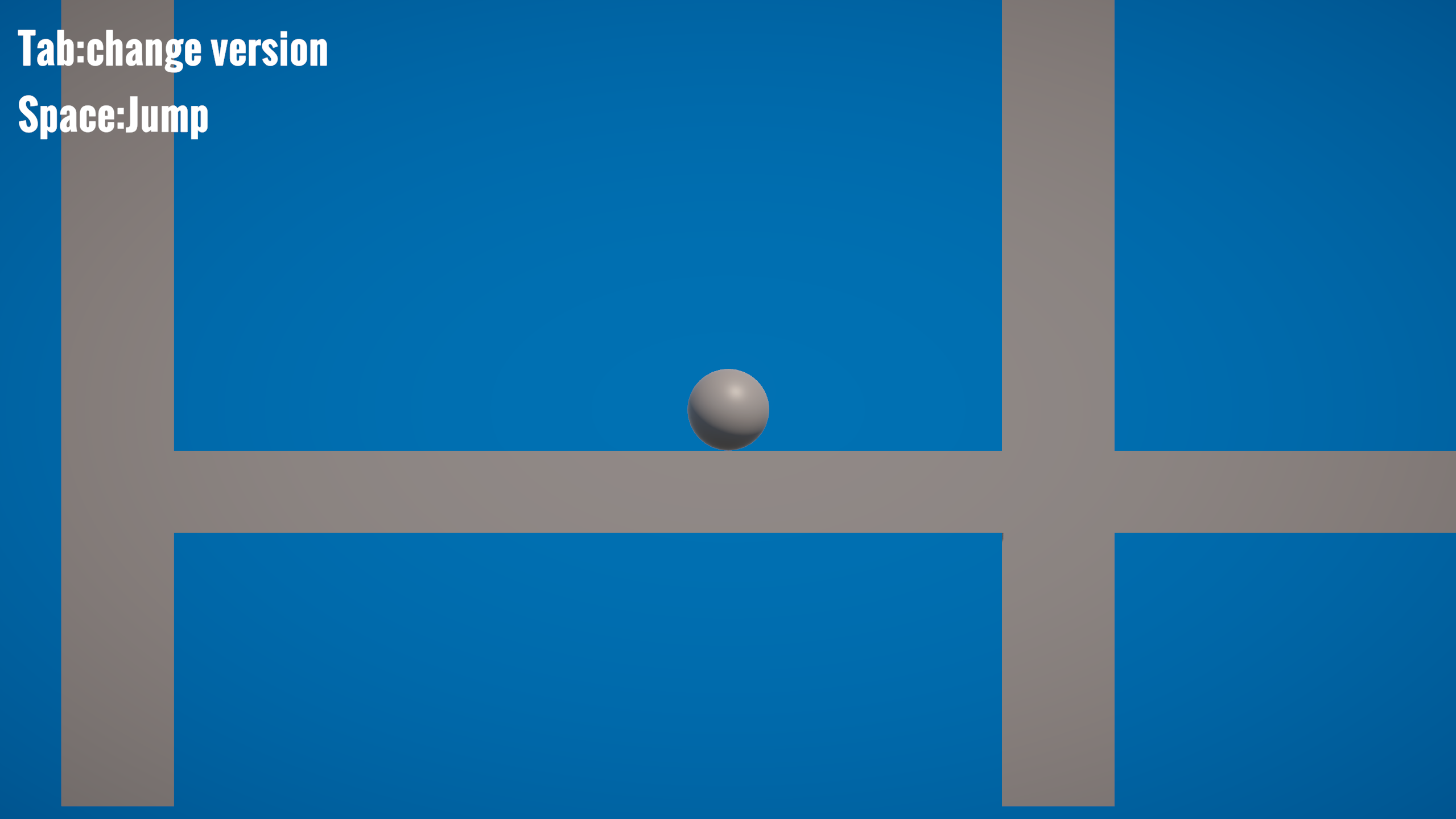
In 2D mode, the player sees a side-view projection of the level. Movement is constrained to one plane, and obstacles behave more like a traditional 2D puzzle.
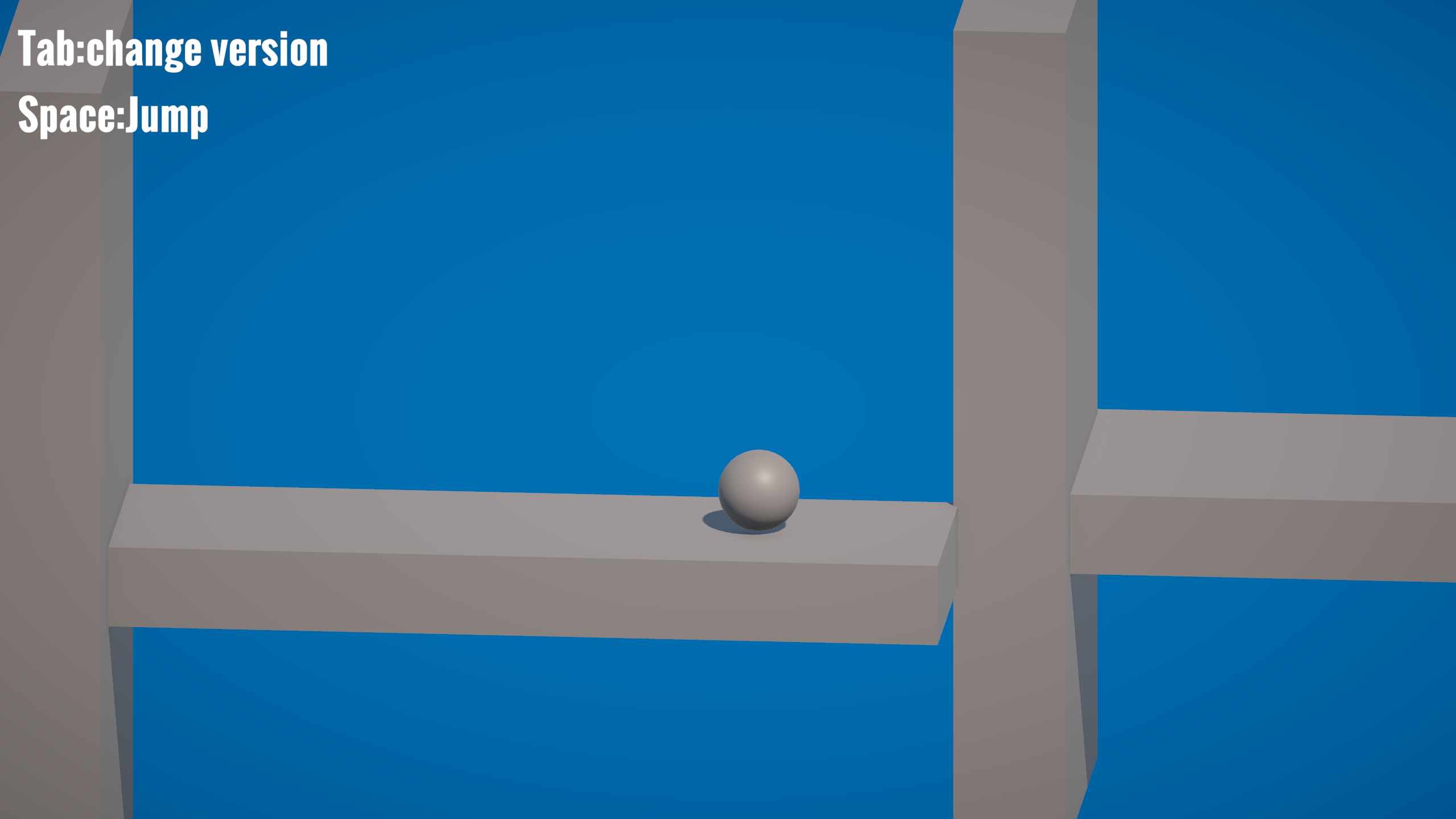
After switching to 3D, the camera and movement rules change together. Structures that look like blockers in 2D can be reinterpreted through spatial depth.
My role
- Designed the mechanic, built the Unity prototype, created the basic level structure, connected camera switching, and prepared the playable build independently.
- Broke "2D projection / 3D space" into an implementable chain:
DimensionManagerowns the current dimension, player scripts switch movement axes, and scene objects switch collision rules. - Rapidly verified whether dimension state, camera switching, collider enabling, and player projection correction could work together inside one level.
Technical implementation
DimensionManageracts as the dimension state center. PressingTabusesBroadcastMessageto switch betweenSwitchTo2DandSwitchTo3D, while changing the priority of twoCinemachineVirtualCameraobjects.PlayerMovekeeps one rigidbody character. In 2D, it only writes X-axis velocity; in 3D, it writes both X and Z velocity, letting the same player object use two movement rules.DimensionObjectstores separate 2D and 3D colliders for the same spatial object, enabling different collider sets depending on the current dimension.- When the player lands on a dimension object while in 2D mode,
DimensionObjectuses the contact normal to correct the player's Z position, keeping the 3D object aligned with its 2D projection. GroundCheck2DandGroundCheck3Duse 2D and 3D raycasts respectively, so jumping and grounded logic can follow the current spatial rule. Because the prototype was built in only six hours, I avoided a full level editor or a large puzzle framework. The priority was to prove that one state switch could pull every necessary rule together. Camera, movement axes, grounded checks, and colliders all answer the same question: should the current moment run under 2D rules or 3D rules?
System Structure
- Dimension switching:
DimensionManagercontrols 2D/3D state and synchronizes Cinemachine camera priority. - Player control:
PlayerMove,PlayerJump,GroundCheck2D, andGroundCheck3Dhandle movement, jumping, and grounded checks under two spatial rules. - Spatial object rules:
DimensionObjectenables different colliders depending on the current dimension and corrects projected player position in 2D mode. - Menu and flow: start menu, pause menu, and basic flow control keep the prototype playable as a complete loop.
As a flow, it is a short but complete spatial-rule chain:
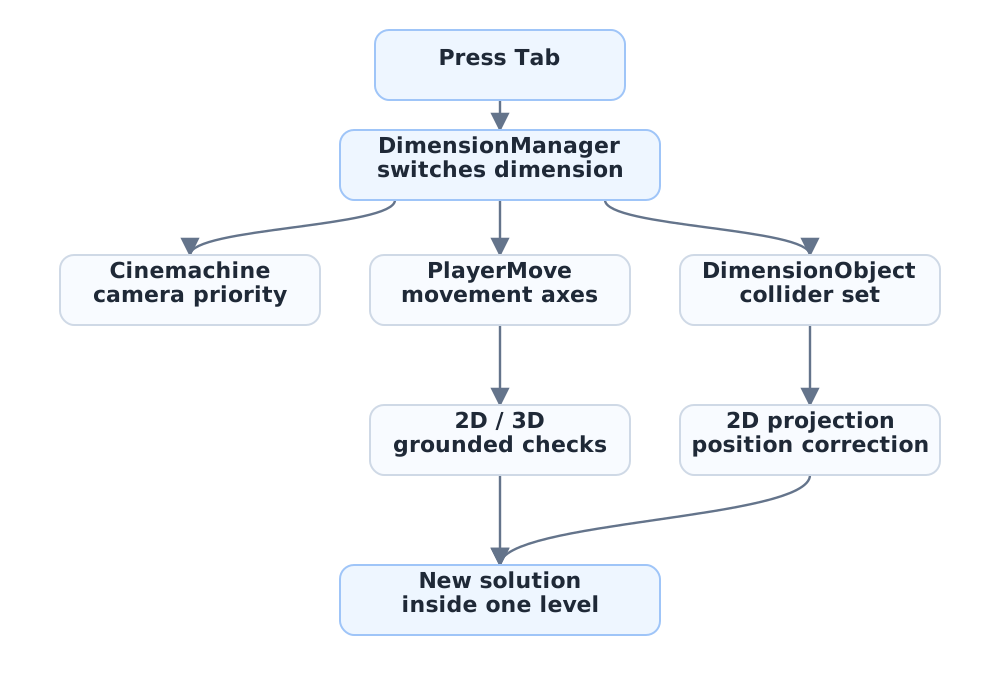
The prototype focuses on validating one clear chain: pressing Tab changes the dimension state, switches the camera, changes movement axes, updates collision rules, and creates a new spatial solution inside the same level.
After this pass, I position it more clearly as a mechanic-validation sample: it shows how I break an abstract idea into a testable implementation chain and decide what can be left out at prototype stage.